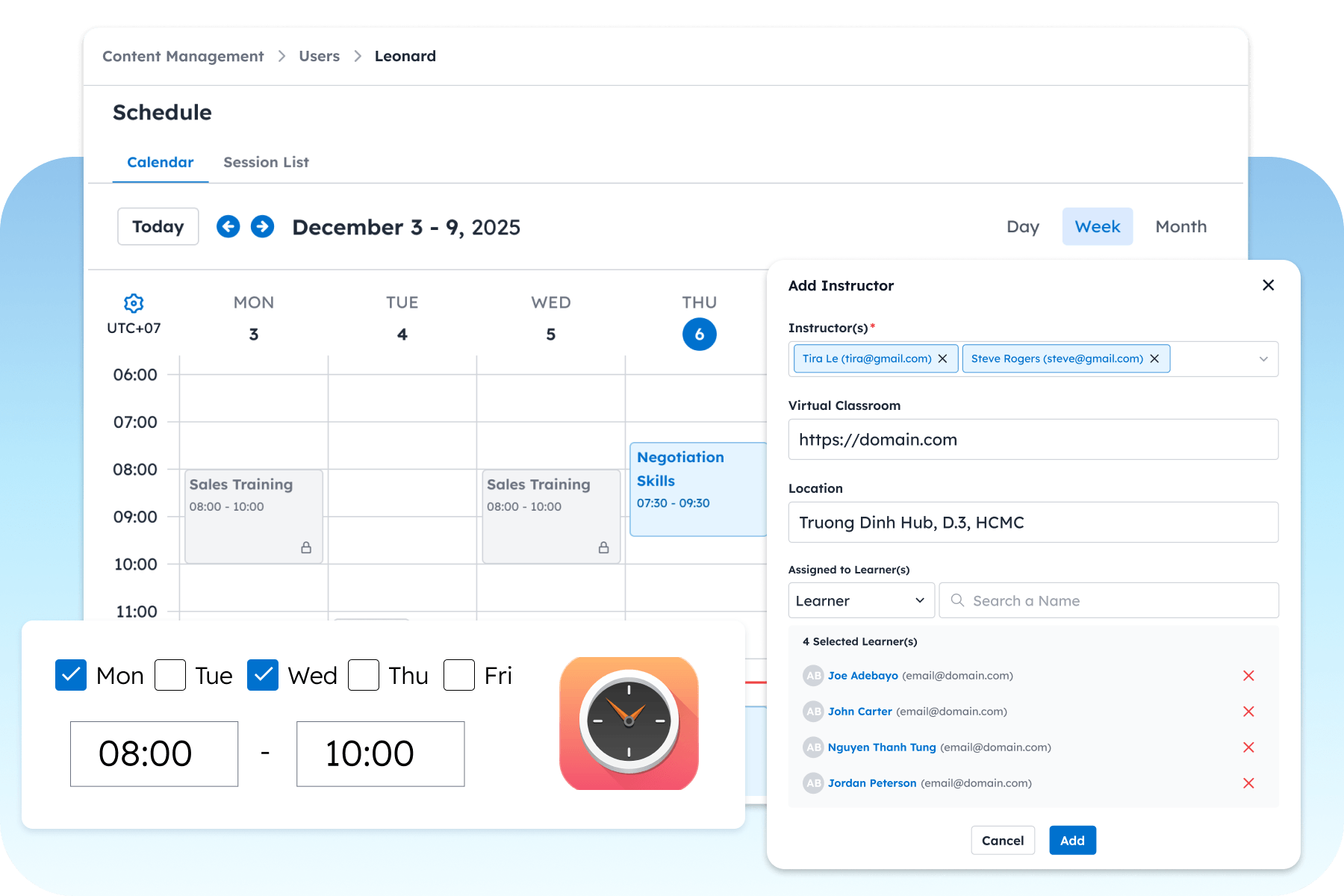
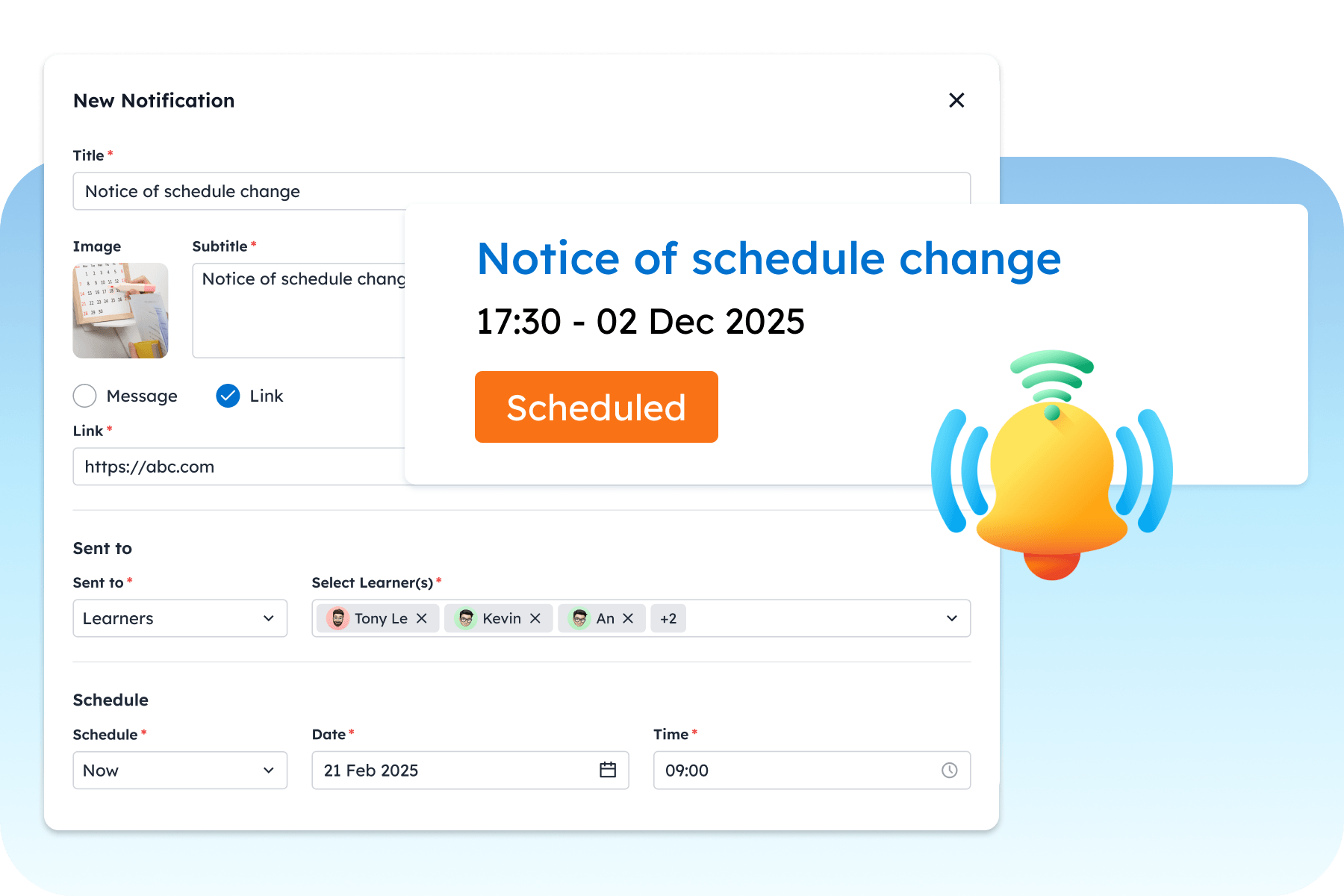
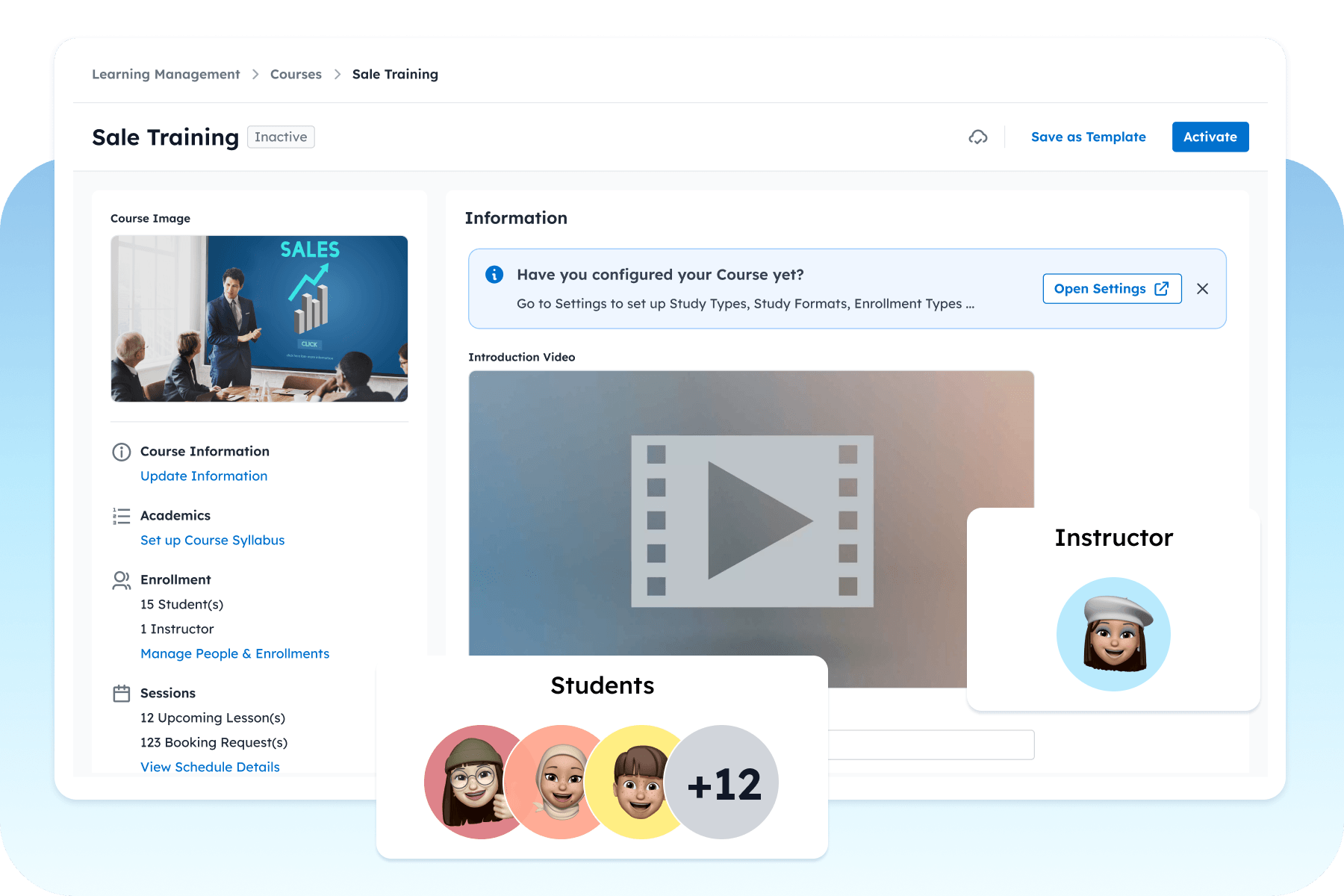
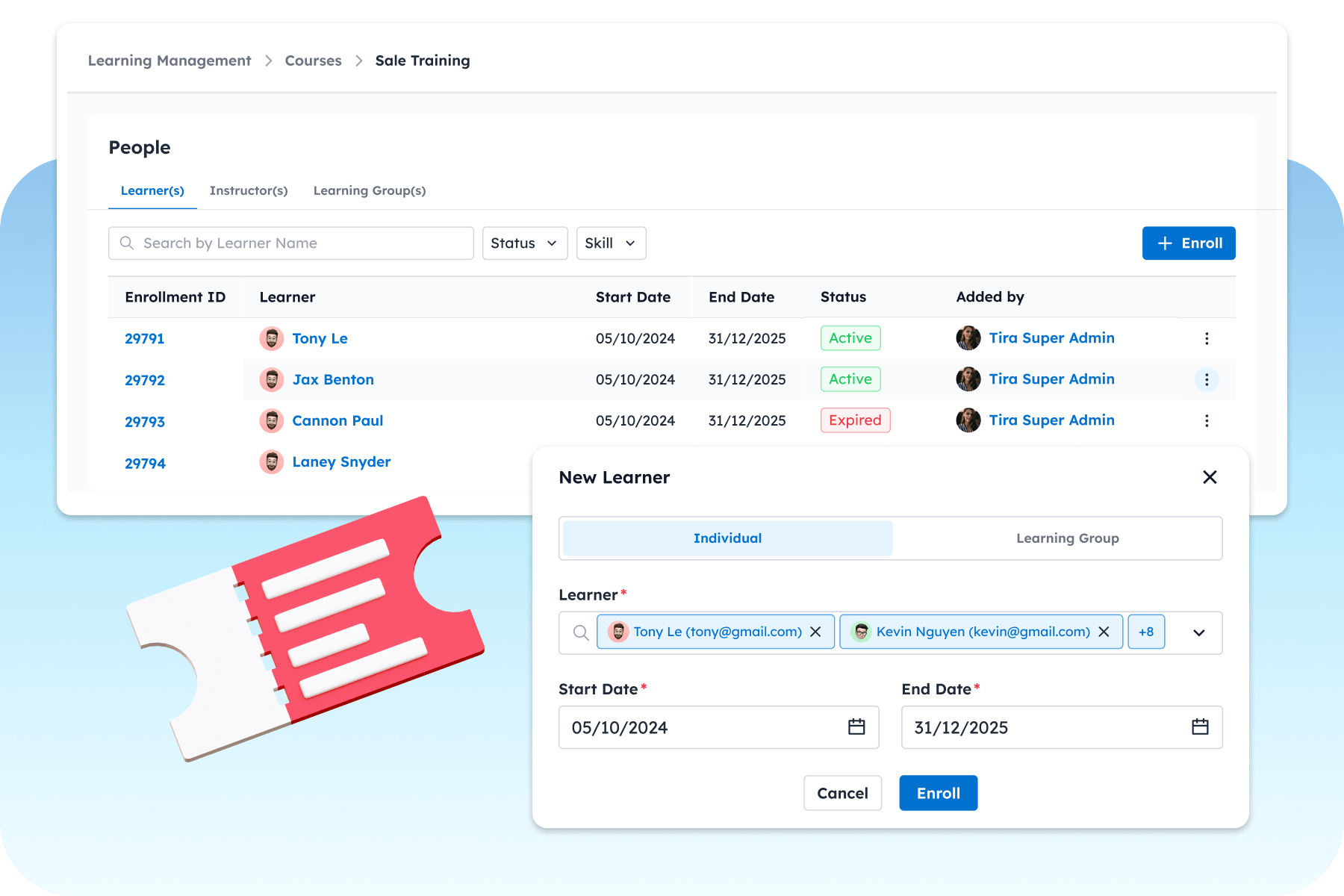
Build a personalized learning program for every student.
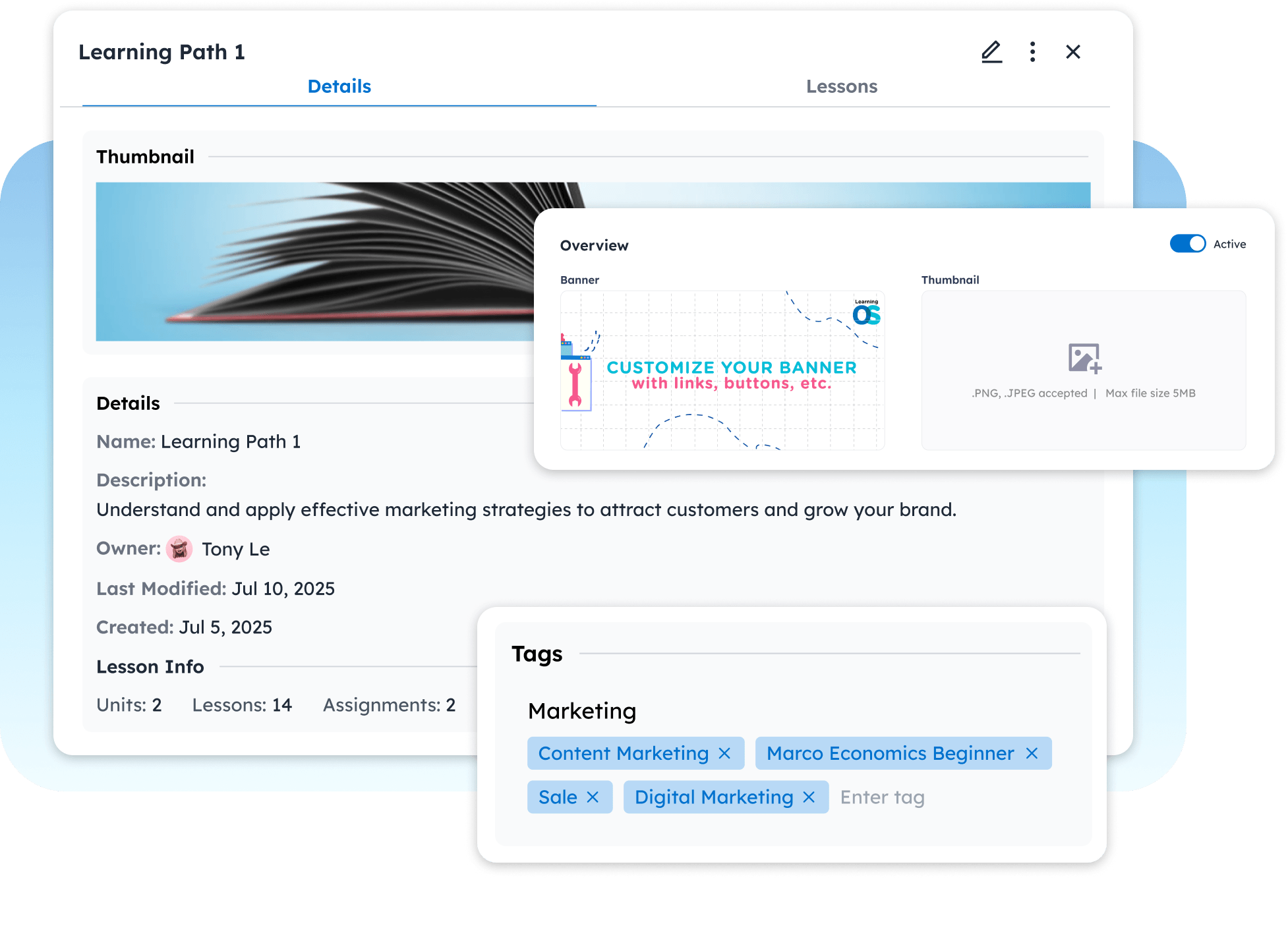
Create and manage learner groups for entire cohorts of learners.
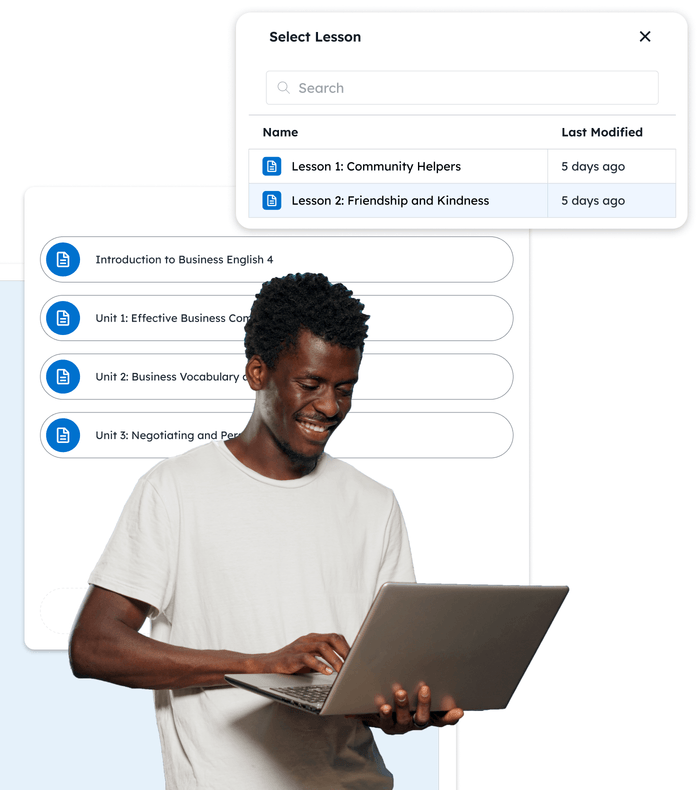
Add entire courses to each learning path in two clicks.
Choose from different types enrollment.
Assign resources to individual learning paths directly from the dashboard.
Object Tagging
Our effective eLearning tagging ensures all your valuable content is at your fingertips.
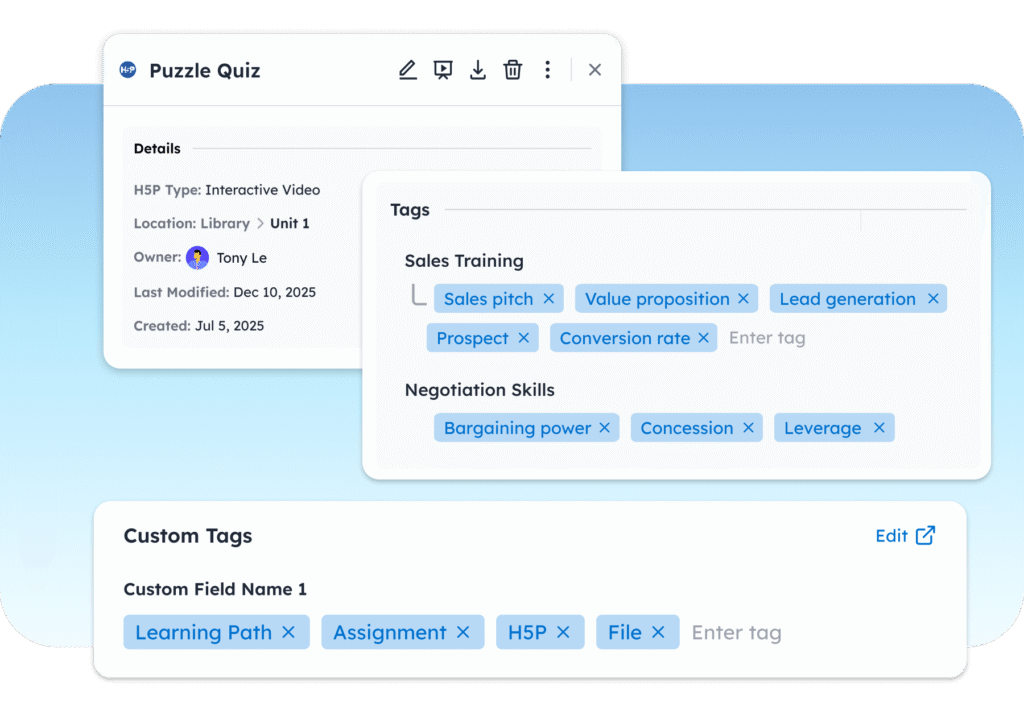
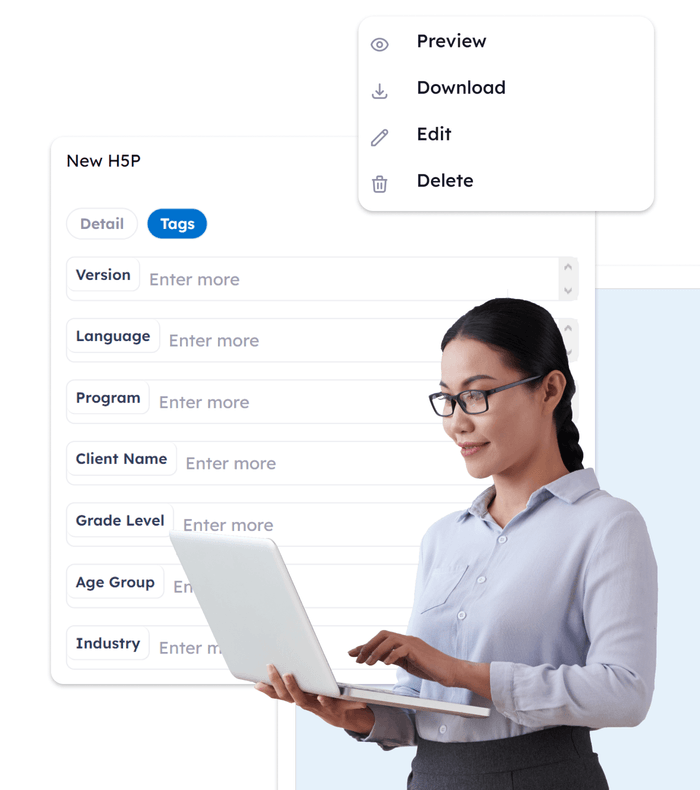
Organize your content by tagging learning objects with relevant descriptions, and metadata (LOM).
Easy to search, filter and manage your content library from the admin dashboard.
Link and associate your content with other similar content for easier lesson and course curation.
Interactive Content Authoring
LearningOS‘s unique use of H5P integration opens up a world of possibilities for learning and growth. Use our responsive platform to build and deliver interactive lessons seamlessly across devices. Learn More
Author and Edit Content
Create activities, courses, and build full curriculums directly from your dashboard.
Versatile Content Options
Access a rich library of over 50 content types providing your learning design team with greater flexibility.
Centralized Course Management
Manage all your content authoring initiatives seamlessly within the LearningOS platform.
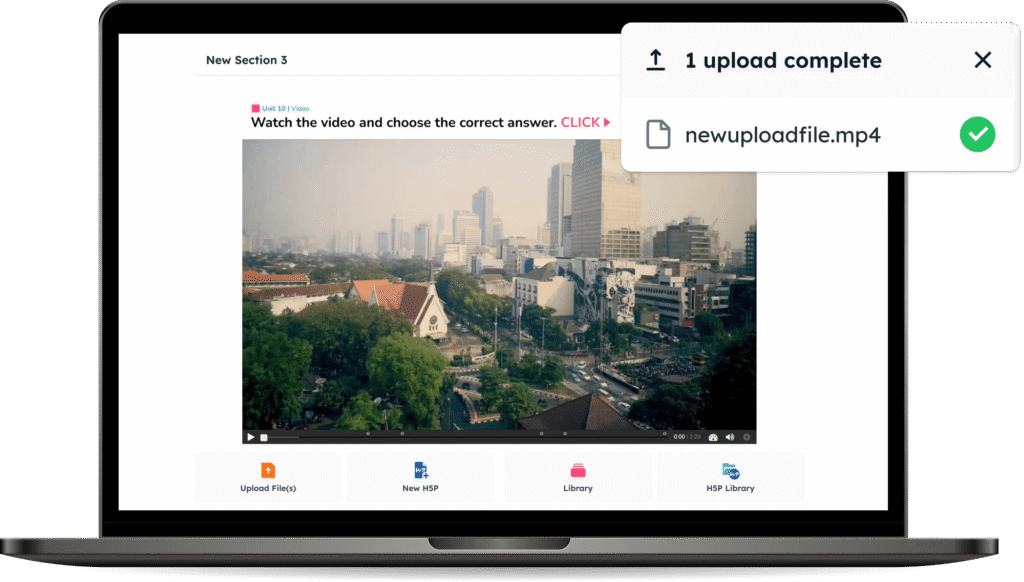
Upload Resources
Our software simplifies the transition process, making it easy for you to migrate your digital resources. Upload all of your existing content to your new system. Refresh or revamp your old courses using your awesome new H5P tools.
We support all major file types including SCORM, xAPI, cmi5, PPT, PDF, DOCX, PNG, MP3, and MP4.
Evaluate Progress Thoroughly
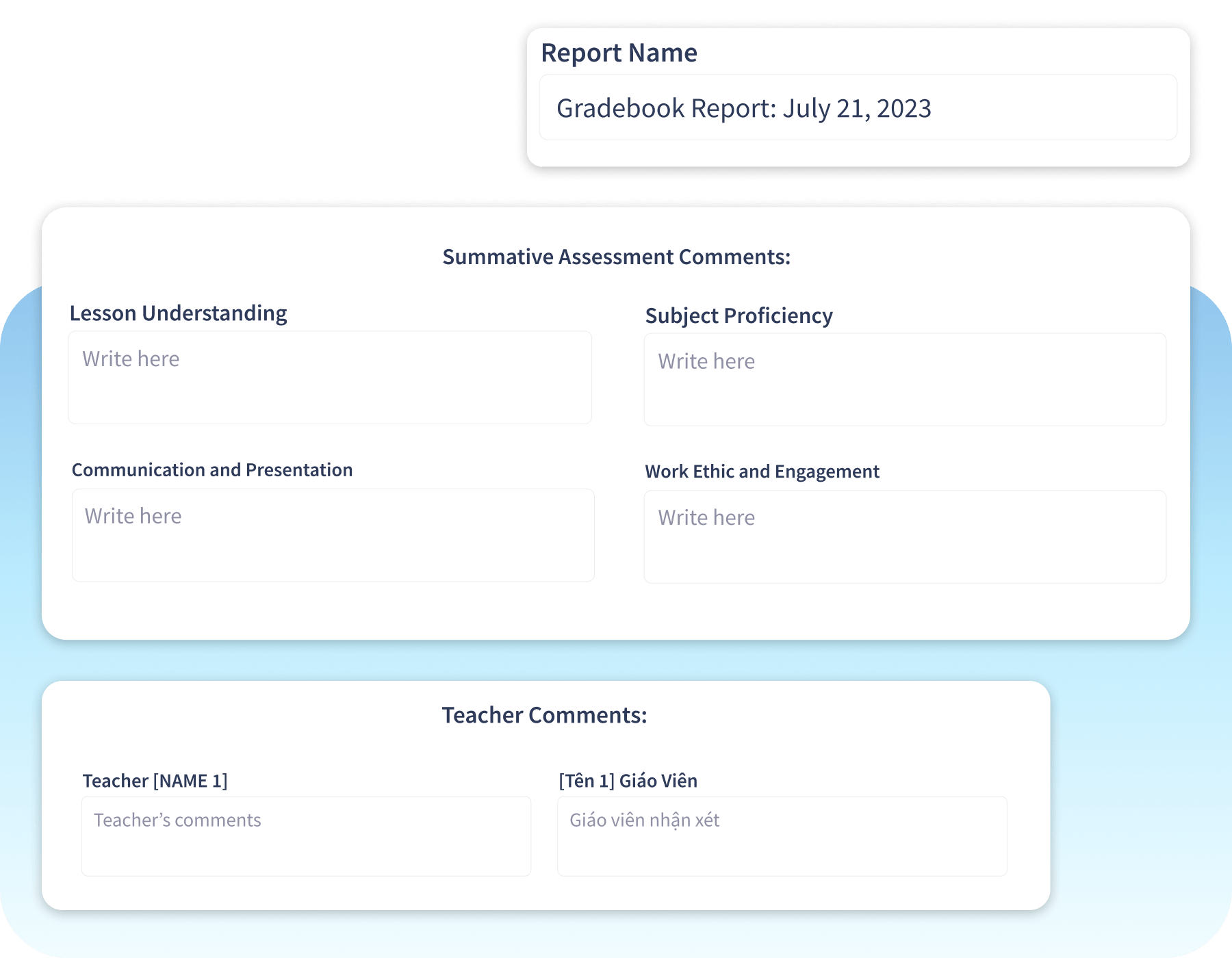
Gradebook
The gradebook is a concise five column display. Instructors and admin can use these columns to:
Keep track of attendance, goals, and performance
Check automated scoring of assignments
Input manual scoring
Allocate reward coins
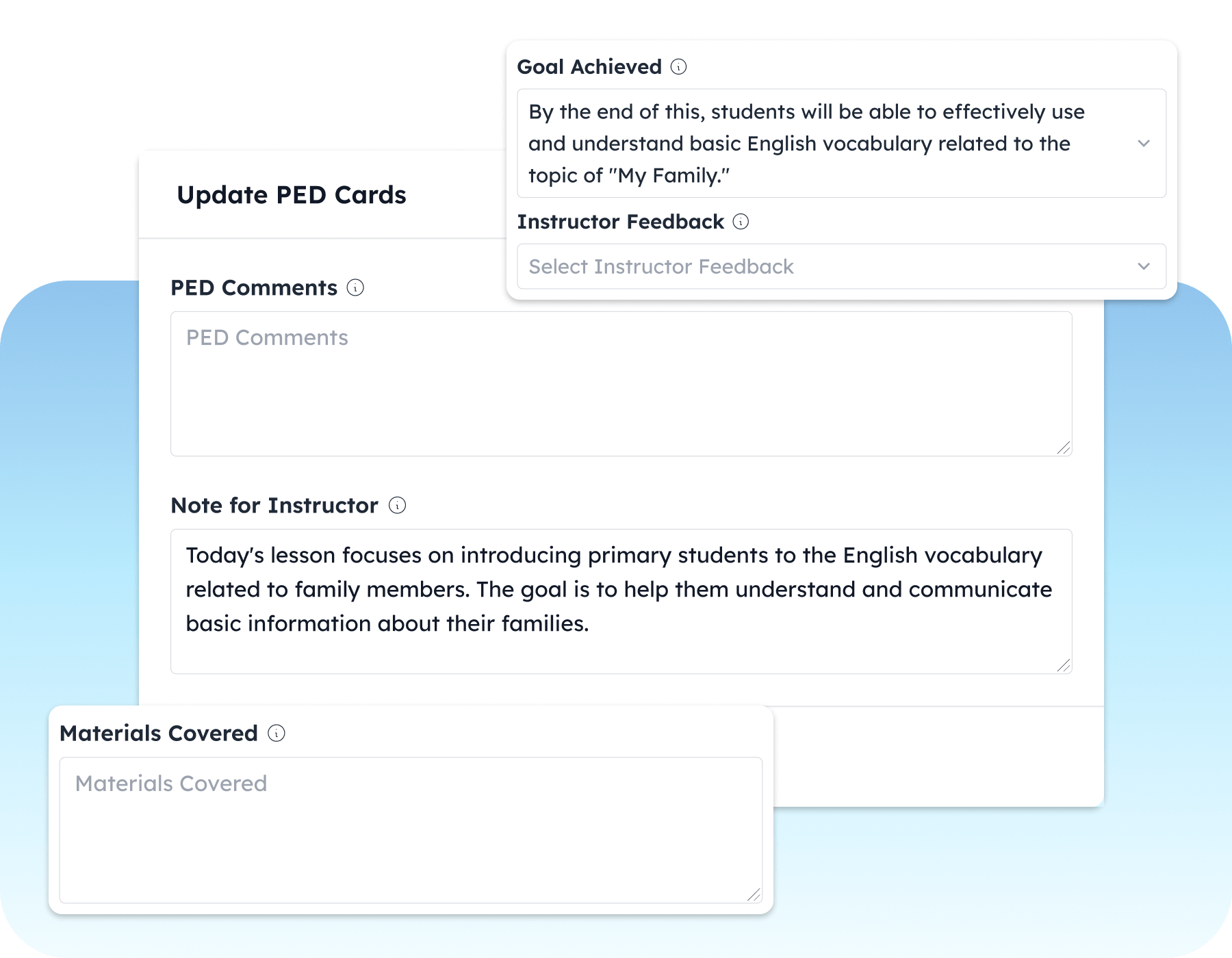
Session Feedback Cards
Instructors and admin can promptly fill out these cards after each session. Use these cards to write about: